
Featured
Dead Pixel Test Hub
Run full-screen checks on laptops, TVs, and monitors.
SCREEN CHECKS
Test screens, spot stuck pixels, and choose monitors with fewer faults. Clear steps for laptops, TVs, gamers, and home office buyers.
FEATURED STORIES
Run full-screen checks on laptops, TVs, and monitors.
Featured
Run full-screen checks on laptops, TVs, and monitors.
Repair Tips

Buying
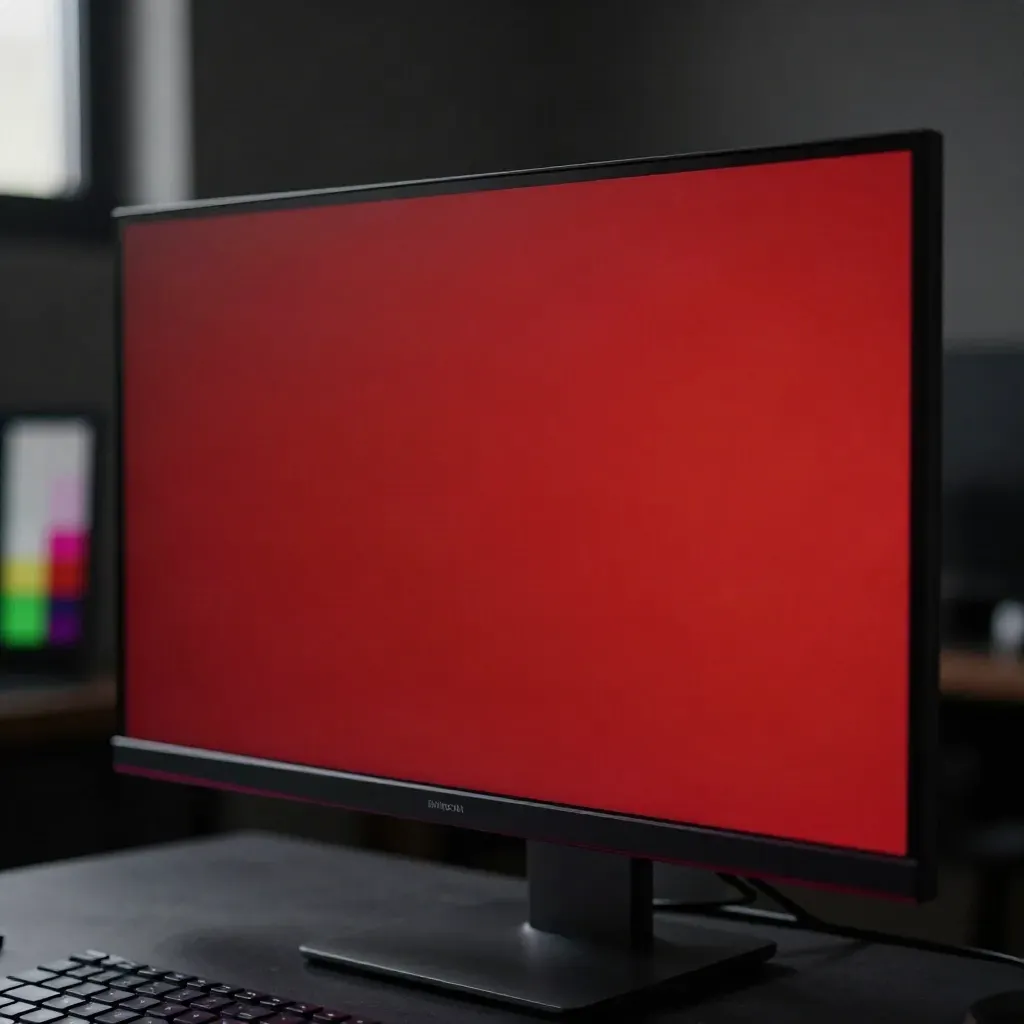
Find bright dots on white and dark screens.
Spot stuck pixels on dark panels and OLEDs.
Save photos, dates, and the serial number.
Fast
Fast

Buyer notes
Buyer notes
TOPIC CHIPS
Check for dead pixels, bleed, and pressure marks.

GUIDE
Check for dead pixels, bleed, and pressure marks.
TIPS
Find fast panels and test them before the return window ends.

GUIDE
Keep colour checks and calibration simple for print and web.

TRENDS
Read the small print before you call support or ask for a swap.
screen guides
screen guides
average test time
average test time
monthly readers
monthly readers
Community
“Straight tests and clear steps. I found a stuck pixel in minutes.”
Maya Collins
Graphic designer, North Star Studio
“Good buyer notes. I used the warranty tips and got a screen swap.”
Tom Bradshaw
IT lead, FleetByte
“The monitor guide helped me pick a better panel for gaming.”
Ava Singh
PC gamer, Leeds
MORE TO READ
A fast set of checks for laptops, TVs, and desktop monitors.

Hero
A fast set of checks for laptops, TVs, and desktop monitors.
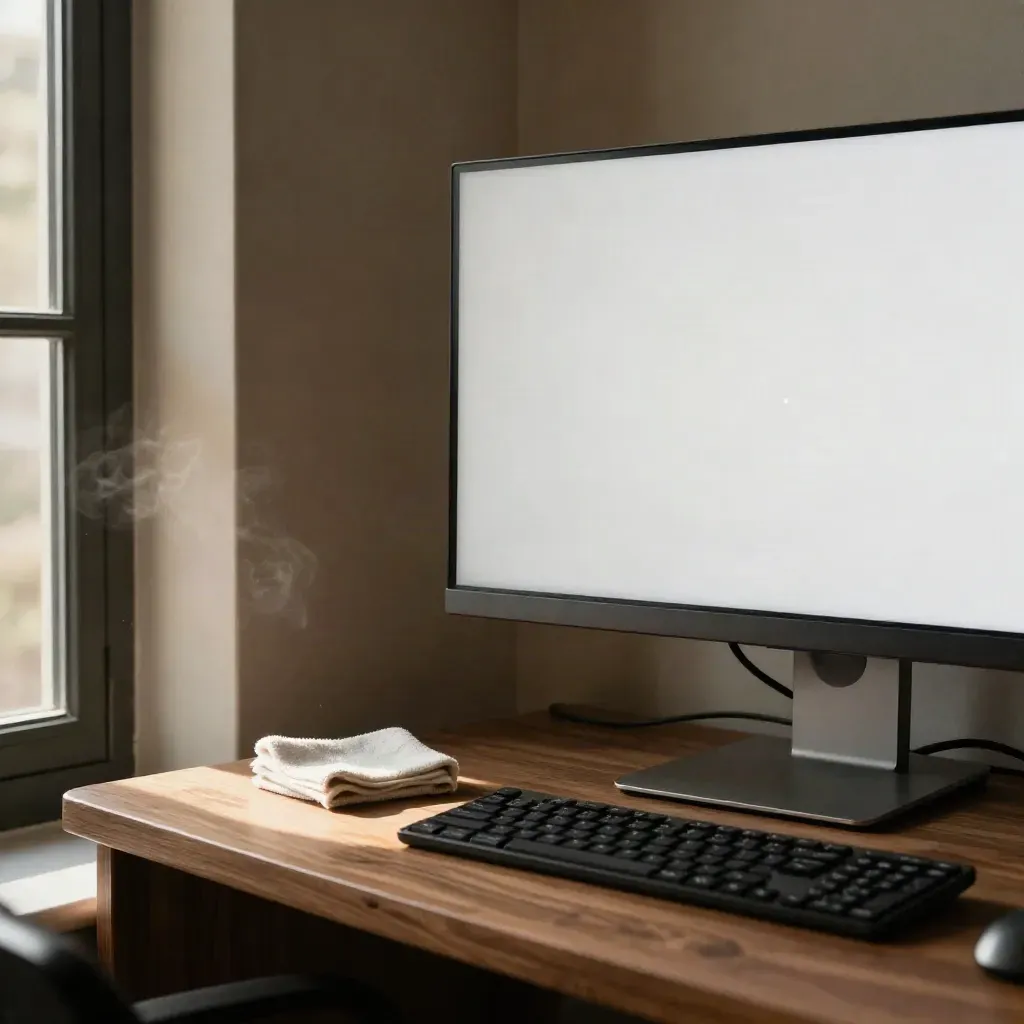
Use a white screen to spot bright pixels and panel marks.
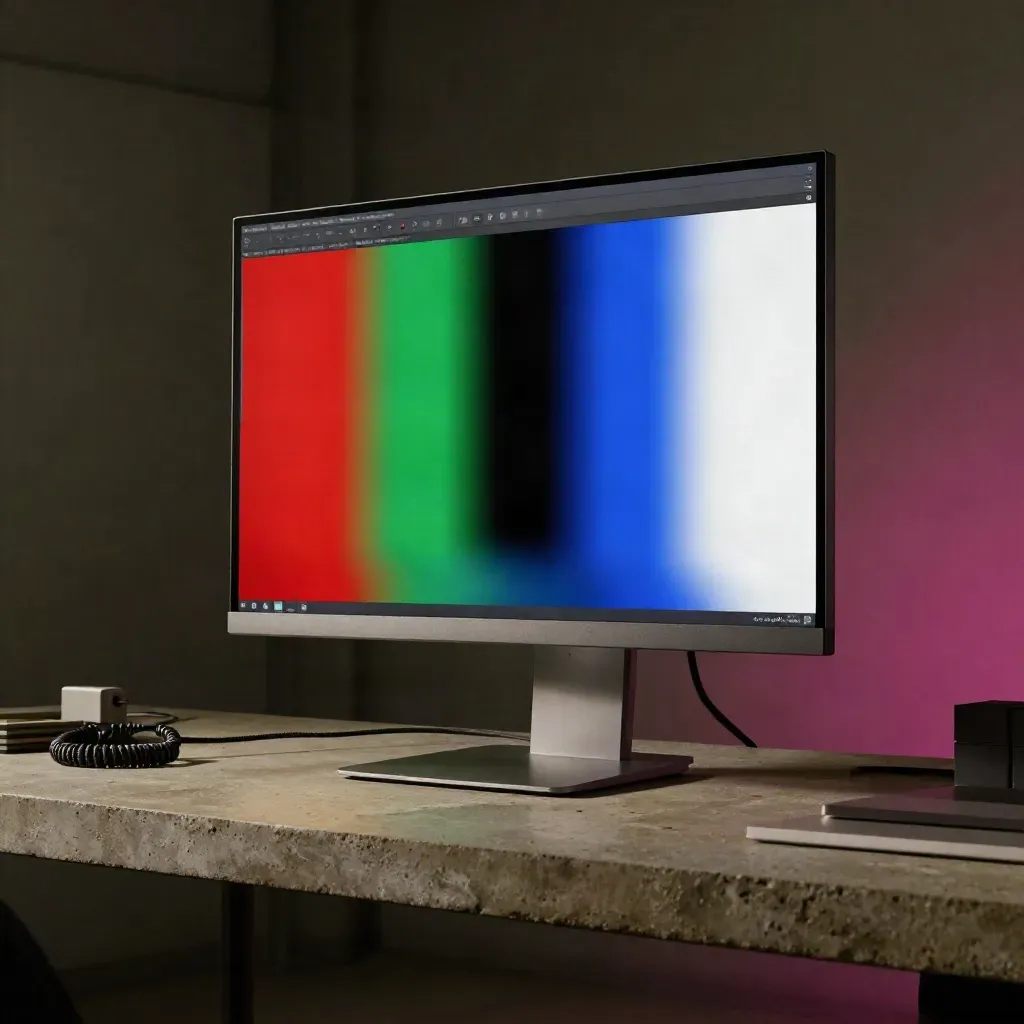
Run red, green, blue, black, and white screens in order.
Read
What stores cover, what they skip, and when to ask for a swap.
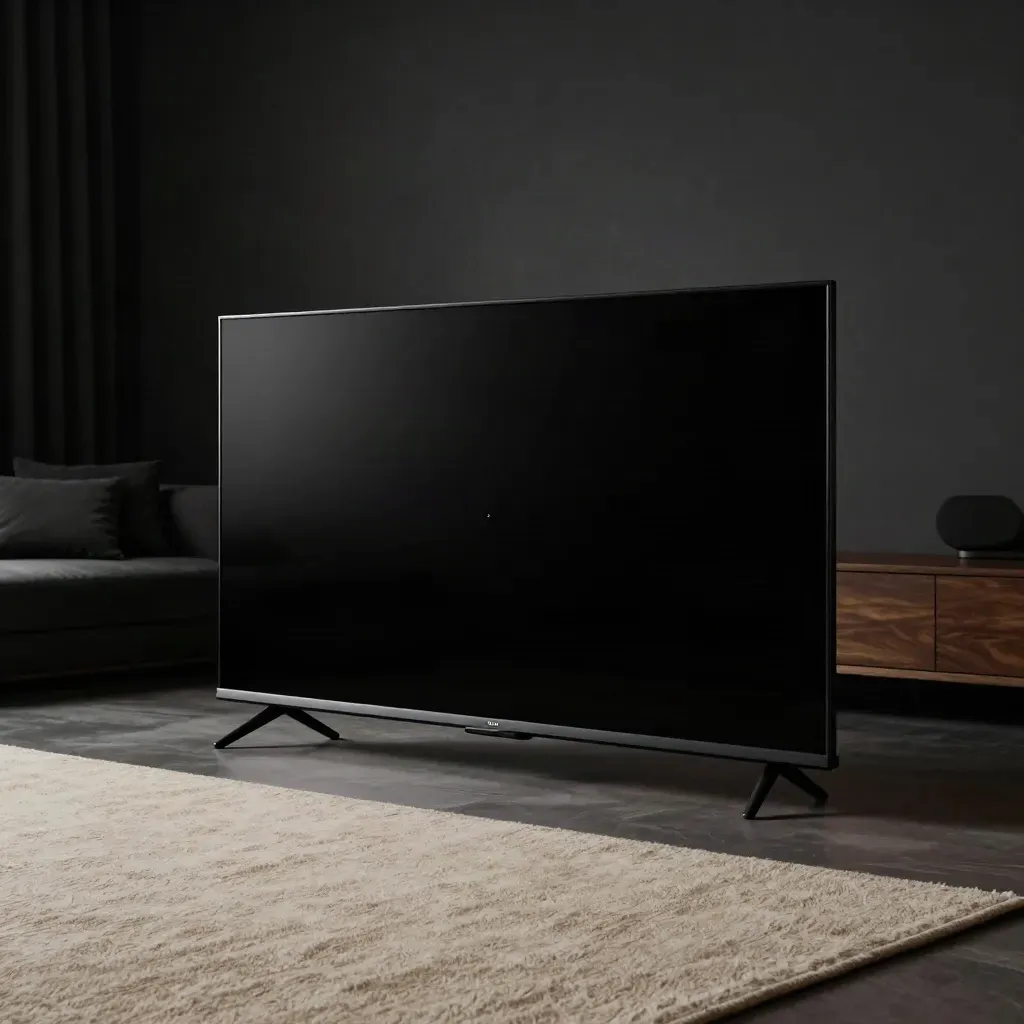
See how dark panels handle low-light pixel faults.
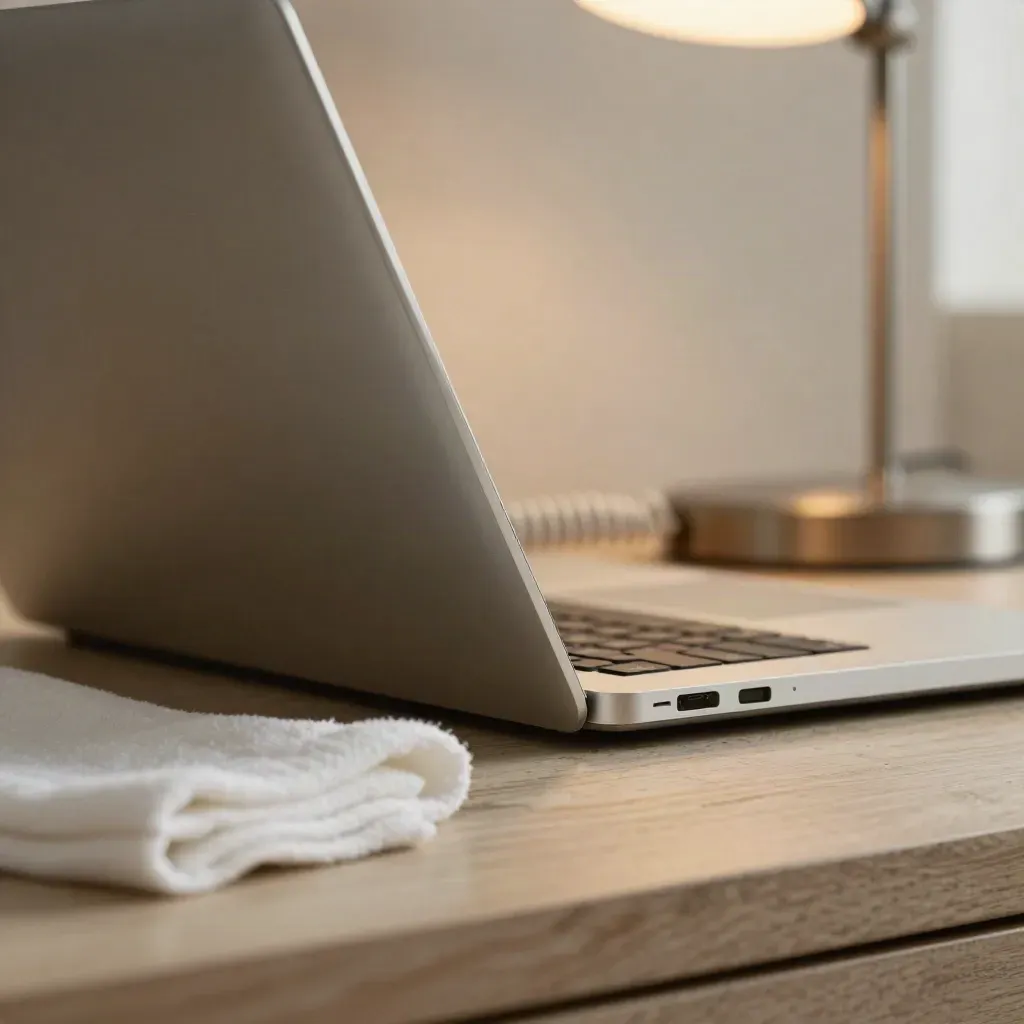
Look at each edge and corner for pressure marks or dead spots.
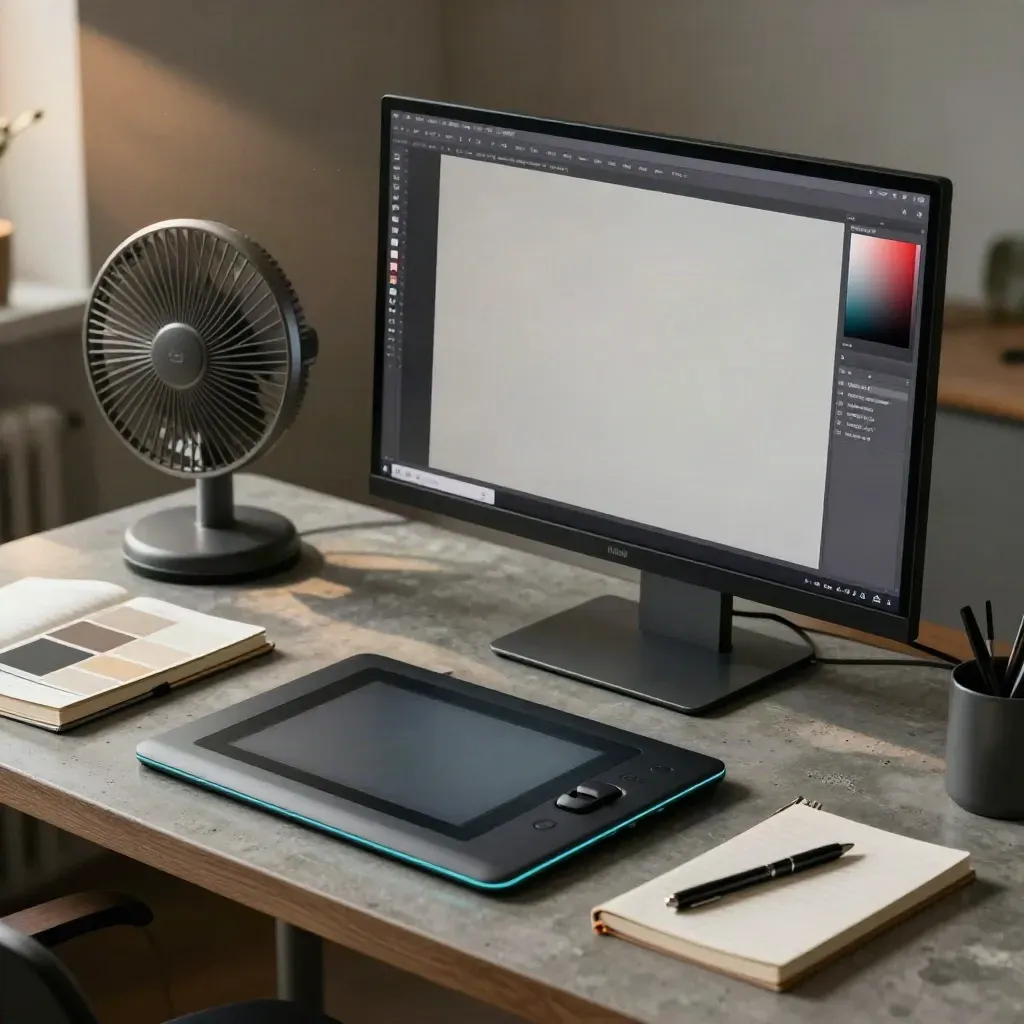
Choose a panel that keeps text sharp and colour calm.
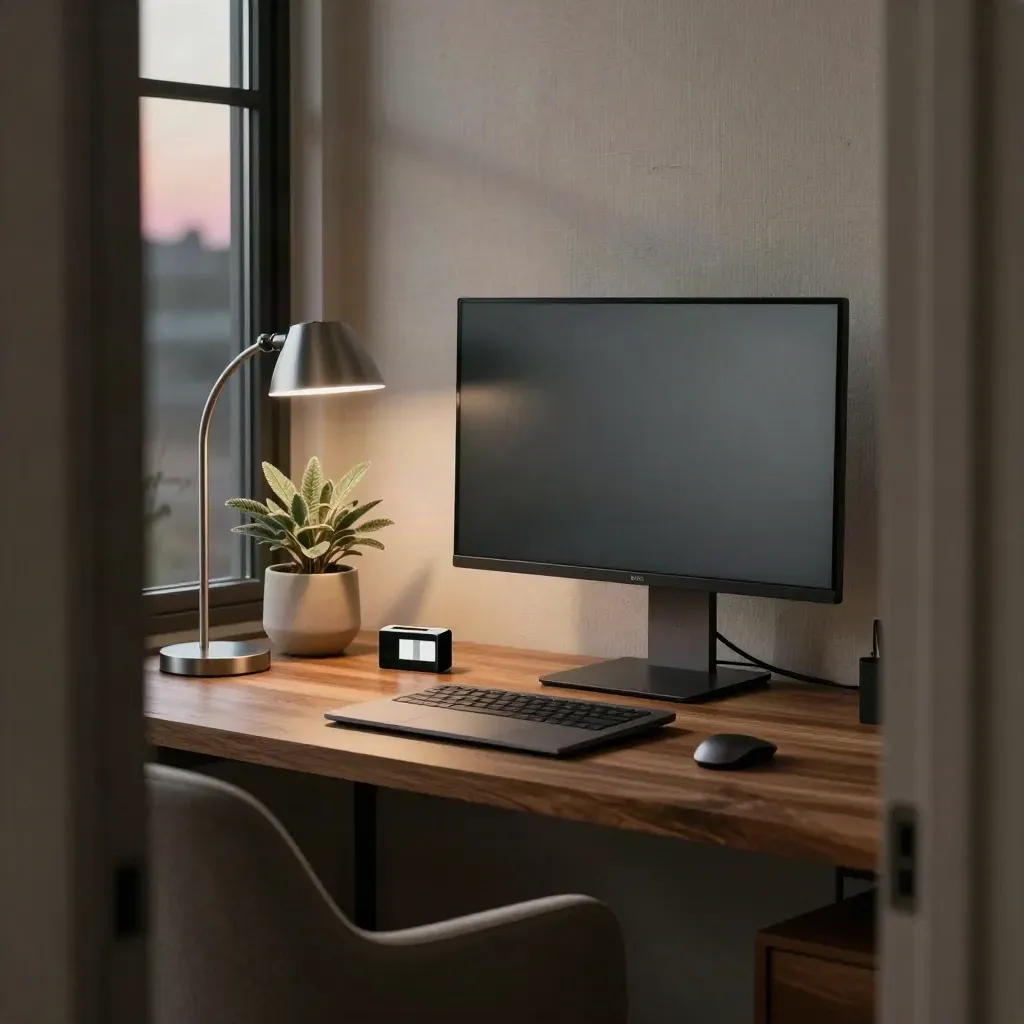
Pick a screen that stays clear through long work days.
Journal




Questions
Quick answers before visitors choose a product, service, or next step.
Run a full-screen color test and check the panel at 100% brightness. Move through red, green, blue, black, and white.
Often yes. Try a quick pixel jiggle tool or a short color cycle. If it stays fixed, the panel may need a swap.
Check the seller policy first. Some stores allow small defects, while others offer a swap only within a set time.
Look for dead pixel or panel defect terms. Some brands cover only bright dots, not a single dark pixel.
Yes. Laptops need the same color checks plus corner checks, since pressure marks and backlight bleed can hide faults.
Return it fast if the fault is new, grows, or breaks your work. Keep photos, serial numbers, and the test result.
Get one short email with new pixel tests, monitor checks, and warranty advice for UK screens.